Self Service Photo Printing

Scroll down or click here for help and instructions.

Turnaround Times
C-Type Prints: 3 working days.
Giclee Prints: 3 working days.
B/W Fibre and Resin Coated Prints: Within 7 working days.
Mounting: Turnaround time by negotiation.
Framing: Turnaround time by negotiation.
E: selfservice@metroimaging.co.uk T: 020 7384 6236

Steps to the perfect photo print

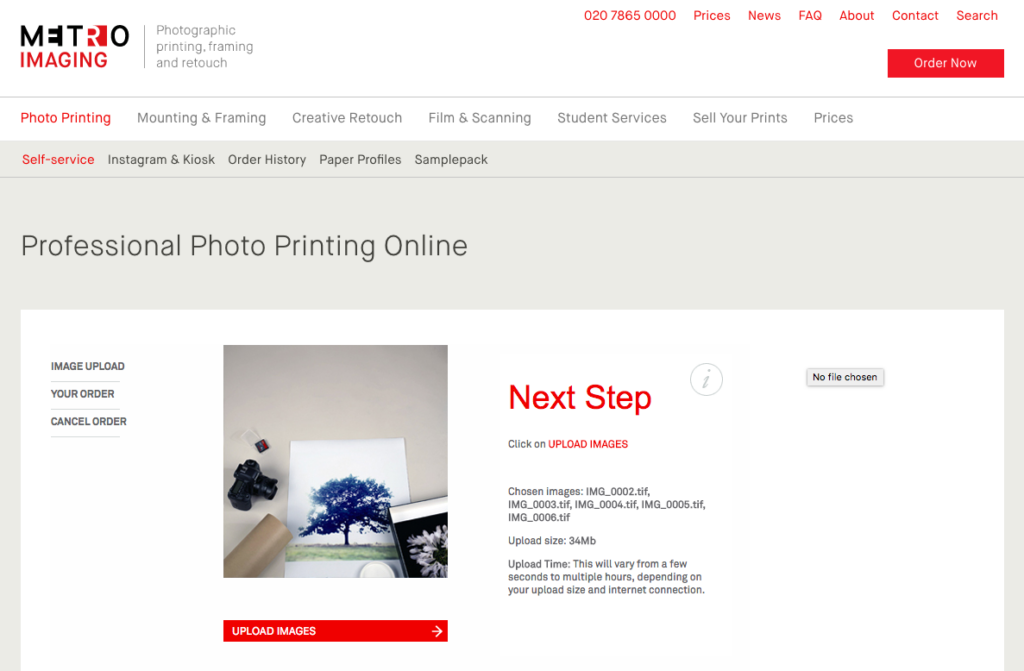
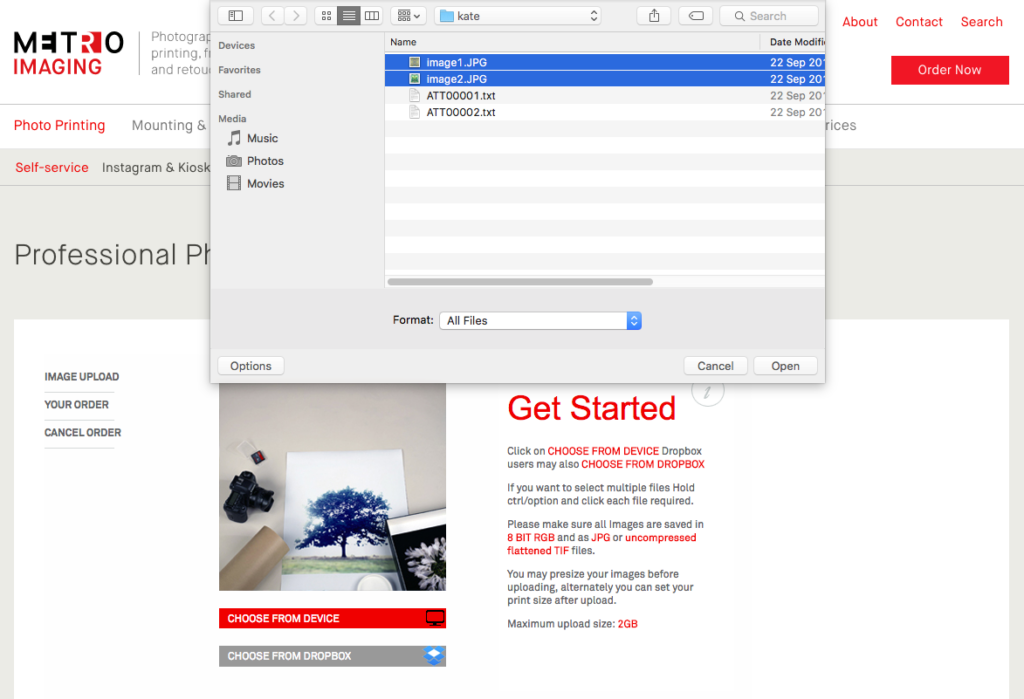
1) Choose your images for printing

Selecting your files from a device
Printing Options.

We can print your pictures to any size or proportion from 10×8 inches to 3m x 1.8m mural sized. For optimum results, we suggest using Photoshop to resize your images, including any required borders, before uploading them. If you don’t have access to Photoshop, don’t worry – simply upload your original images, and choose from one of the set paper sizes in the drop down menu, or manually enter a custom size. The DPI of your image at the chosen size will be displayed before ordering. Generally an image DPI of over 200 is better. But over 150 should be fine.

We offer professional C Type papers, which are suitable for the majority of photos, as well as Metallic, and true Silver Gelatin Resin or Fibre based paper for your black and white images.

For fine art images, or copies / editions of your image or artwork, a Giclee print is the preferred option, with the paper type Hahnemuhle Photorag being the “Industry Standard”.

2) Review your upload files and size then click ‘Upload Images’

File names should not include any special characters

Please ensure that file names on your images only include letters, numbers, dashes and underscores. Files uploaded containing special characters such as ‘!#@’ will fail at the next stage, generally showing a small thumbnail and the message ‘not available’. This means you won’t be able to proceed with the order.

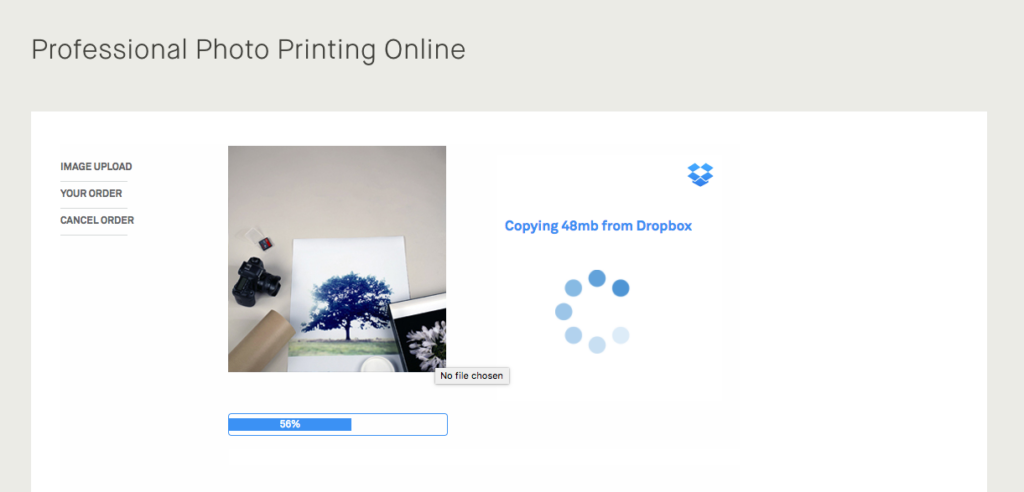
3) Files uploading to our server

Upload Speed.

Depending on your file size and the speed of your internet connection, your file upload may take from seconds to hours. Users with a Fibre based service generally have a good upload speed. Standard broadband will be somewhat slower.

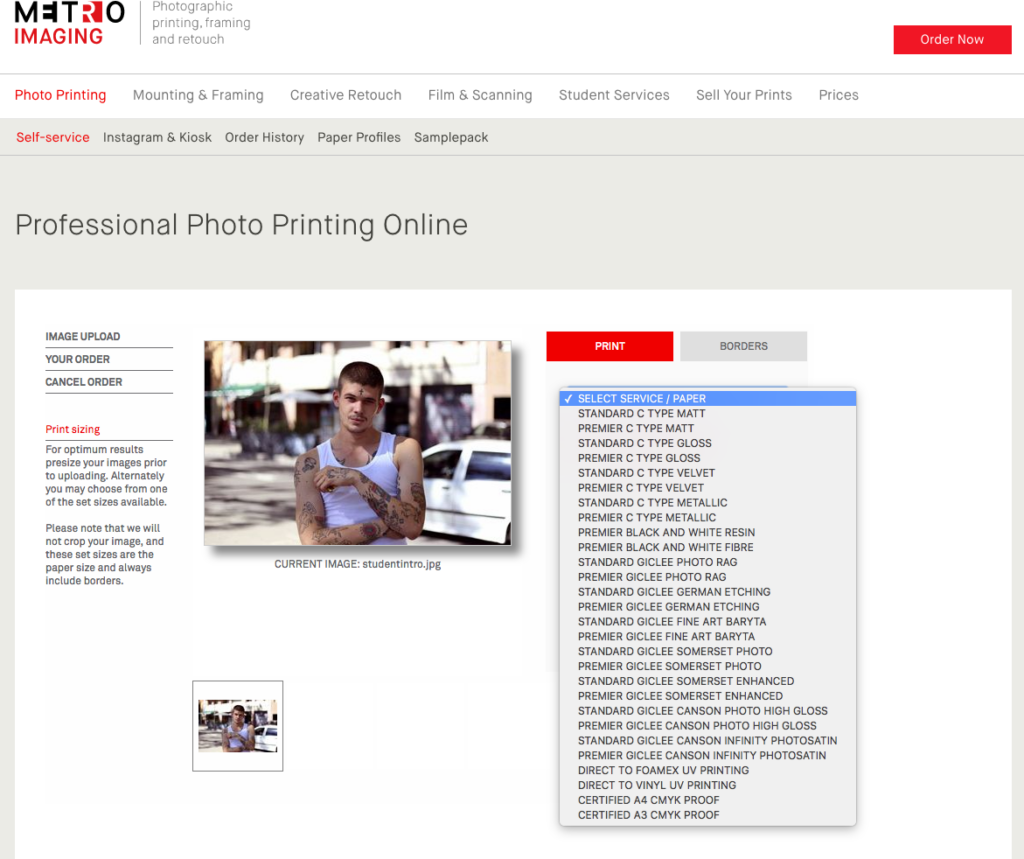
4) Choose a paper type for each image

C Type Matt / Gloss photographic printing

Our Fuji Crystal Archive C Type matt and gloss papers are perfect for photographic exhibition printing and the ideal ‘all rounder’ paper type. They are most suitable for traditional photographs, whether landscapes or portraiture, but not for illustrations. Standard C Type Matt or Gloss prints are suitable for nearly all types of photographic mounting and framing, and can be produced up to 1.8 x 3m, allowing for mural size prints.

C Type Specialist photographic paper surfaces

We also offer a variety of specialist C Type photographic papers including Flat Matt Fuji C Type Velvet prints, and Kodak Metallic C Type printing paper, which has a High Gloss surface with a slight metallic feel to it.

Giclée Inkjet printing

Our Giclée papers create the perfect finish for any fine art print. Giclée papers give warmth to colour prints and tonal depth to black and white prints. They are especially good for printing illustrations and fine art, or for subjects where the colour range is outside of the traditional photographic Gamut. They do however have a delicate surface, and ideally would be framed behind glass. We produce Giclée fine art prints on a range of papers from Hahnemühle, Somerset and Canson using Archival Ultrachrome pigment inks.

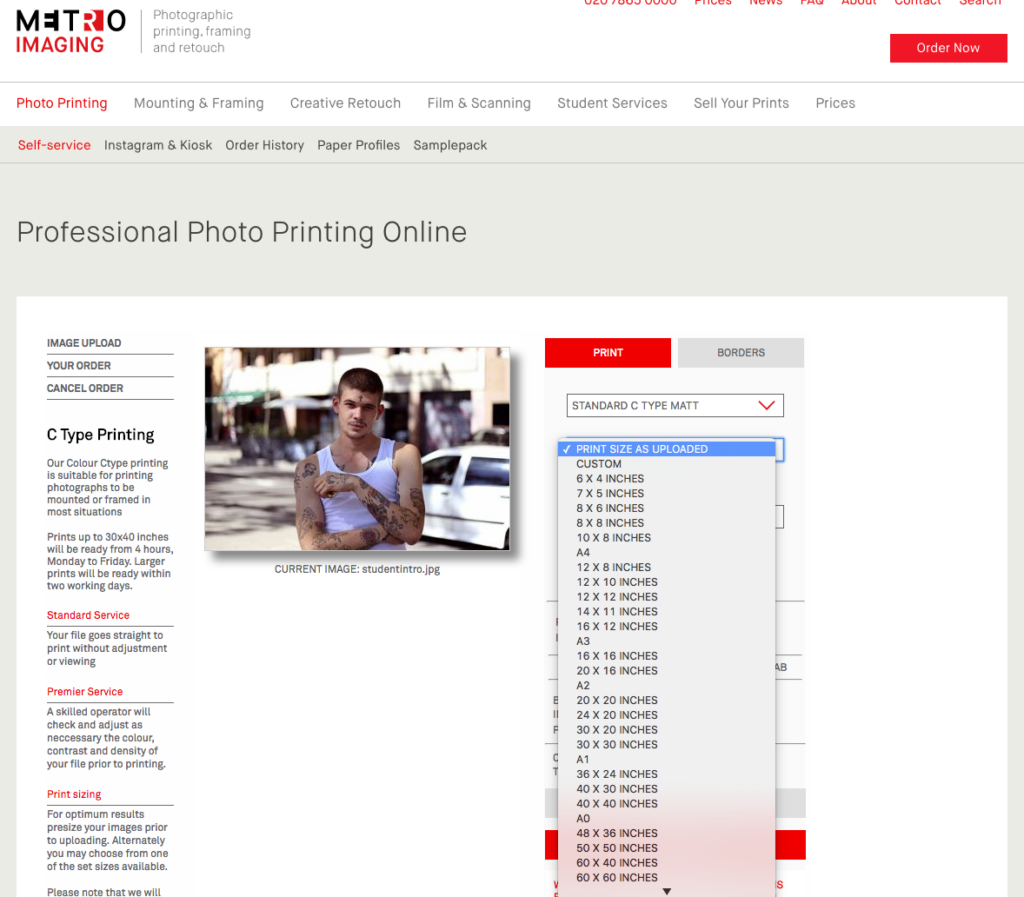
5) If you need to change the size of your image

Other than the set sizes displayed, you can also choose a custom size
And add additional borders
The system automatically picks up the size of your image, which will be displayed.

Choose from one of the set sizes

We never crop your image, so the set sizes always include a border, and the print size refers to the paper size. The image size within the print will be slightly smaller depending on the proportions of your image.

Custom sizing

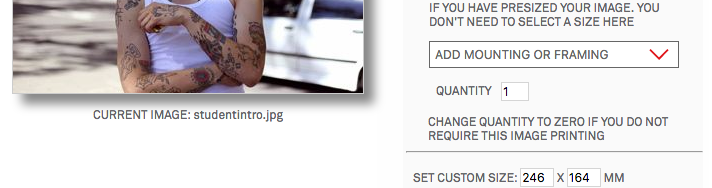
By choosing custom sizing you can define either dimension in MM, the other dimension will be set automatically.

Adding Borders

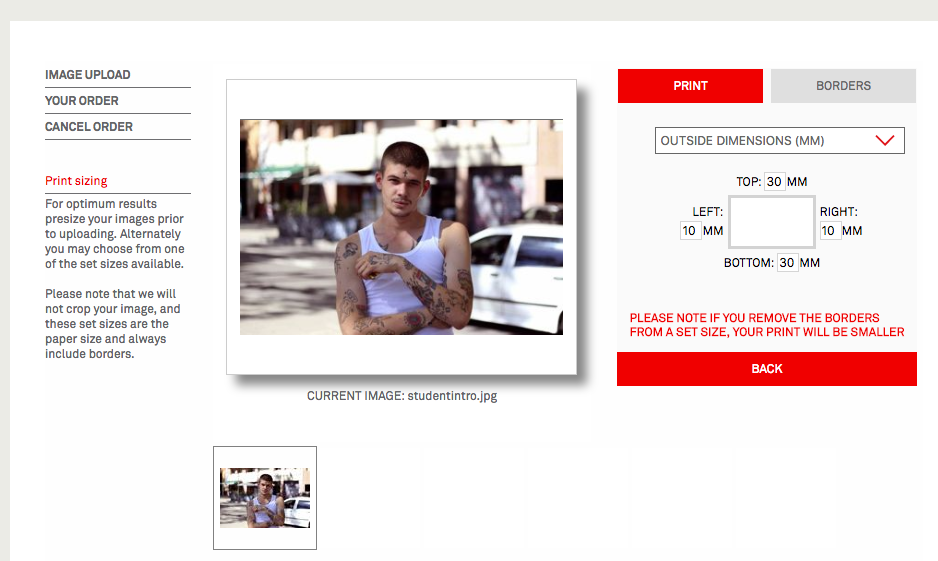
By choosing the Borders Tab you can also add additional borders, either within the current dimensions, or in addition to your print size.

6) Add mounting and framing if required

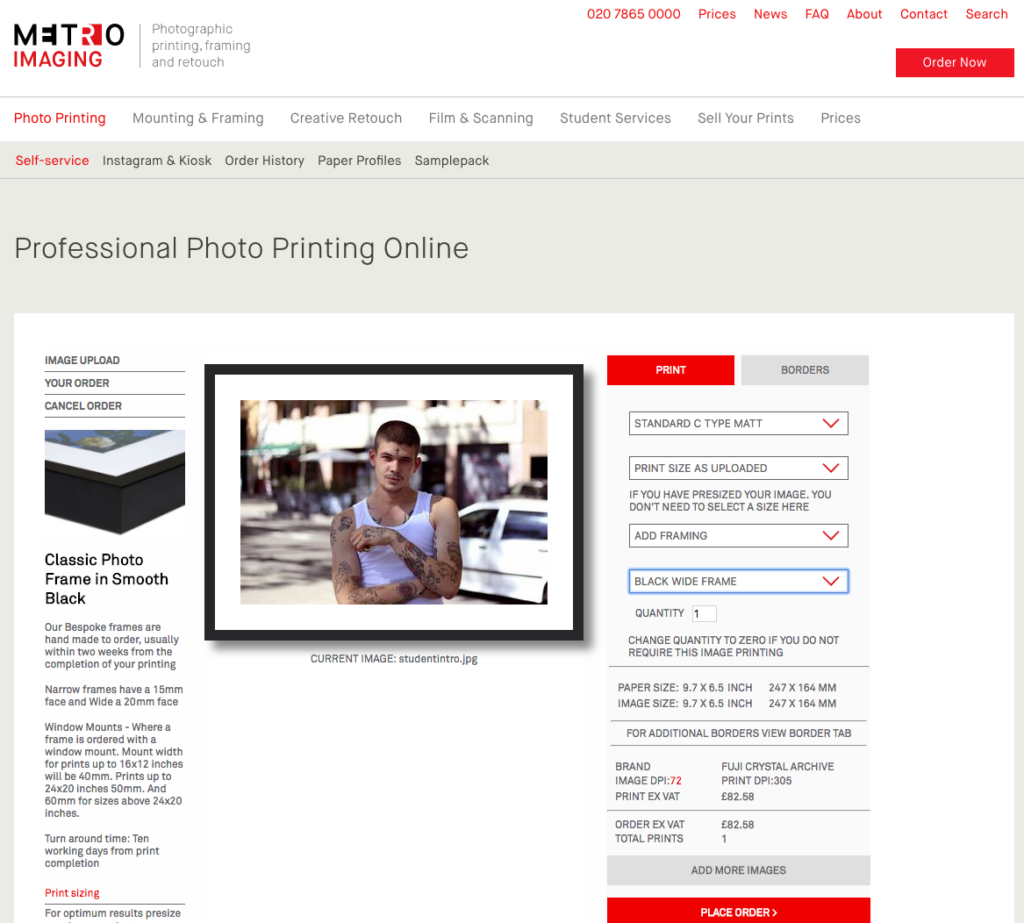
We also offer a photo framing and mounting service that’s specifically tailored to the needs of the most discerning customers.

This method of end-to-end solution, based upon your budget and requirements has worked successfully for international galleries, high profile artists and photographers, private and corporate collectors and major institutions.

7) Confirm your order then enter your email address

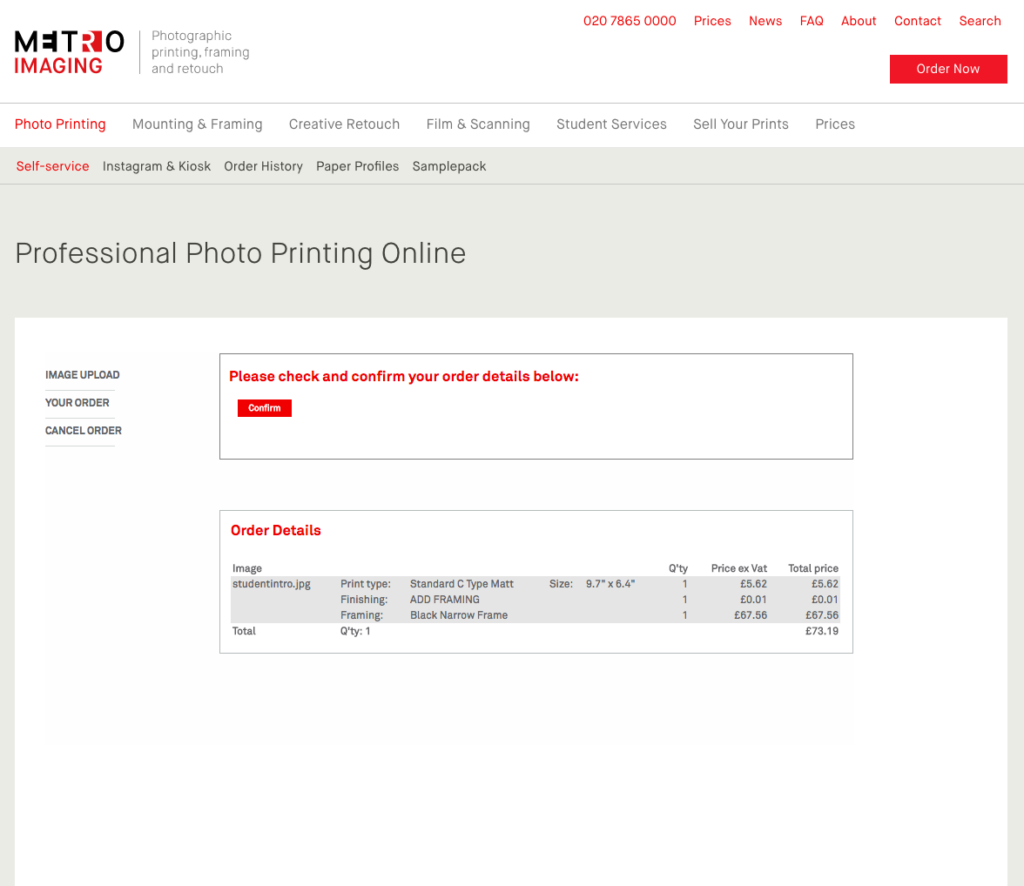
Please take a moment to double check your order.

If you’ve uploaded some images and decided not to go ahead with all of them, or have forgotten to select a paper type etc, you’ll get a Pop Up message here alerting you to this.

Once you have confirmed the details, enter your email address. Previous users will then just need to enter their password. A password reminder button is available. New users will just need to complete a few brief details.

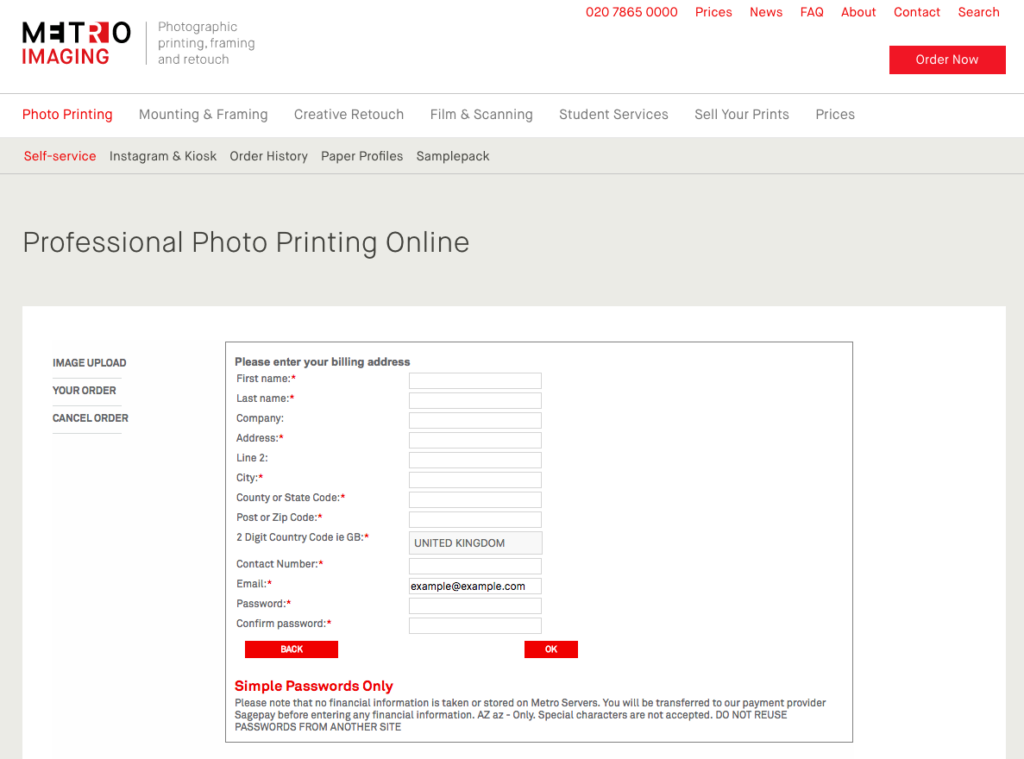
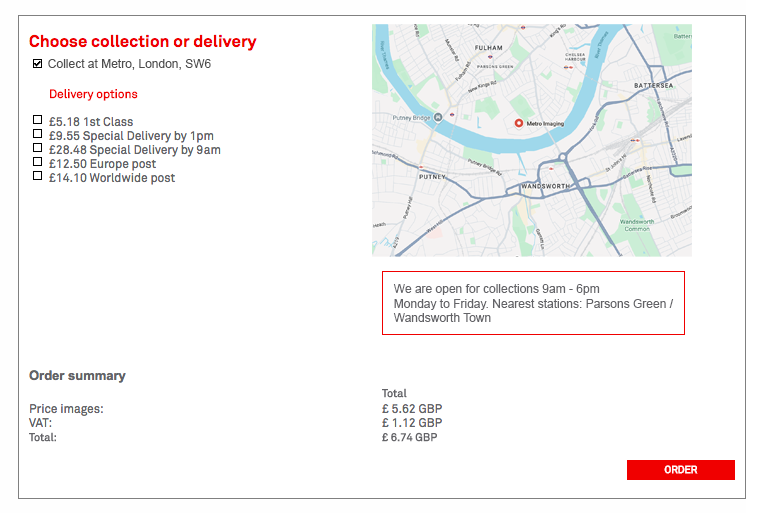
8) Now enter your billing details, choosing Collection or Delivery

Choose Collection or your Delivery choice
Enter your card details in the Secure Stripe payment screen.
2 Digit Country Code ie GB:

After clicking ‘United Kingdom’ for example, you should see your Countries ISO code displayed. ie for the United Kingdom this will display as GB. Should your order fail at the next step, this is quite likely the reason. Click on ‘Change Info’ and you can update this and try again.

US Customers will also need to enter their 2 digit state code, ie FL for Florida.

Simple Passwords

While our system does allow your invoices to be later printed, and paper types used recorded. We do not take or store any financial information on our server. All payment information is entered directly to the Sagepay website and server. Hence we only allow simple letter and number password combinations.

But for safety’s sake, please do not reuse an important secure password, that you use elsewhere!

9) Sit back and relax

Order issued.

As soon as your order is completed, we’ll send you an email confirming it is either ready for collection (We’re open Monday to Friday 9am – 6pm) or outlining your delivery details. Please check your junk mail folder, as they can sometimes end up in there.